Introducing Text Easy — AI-Generated Replies in Your Own Voice
 · · 6 min read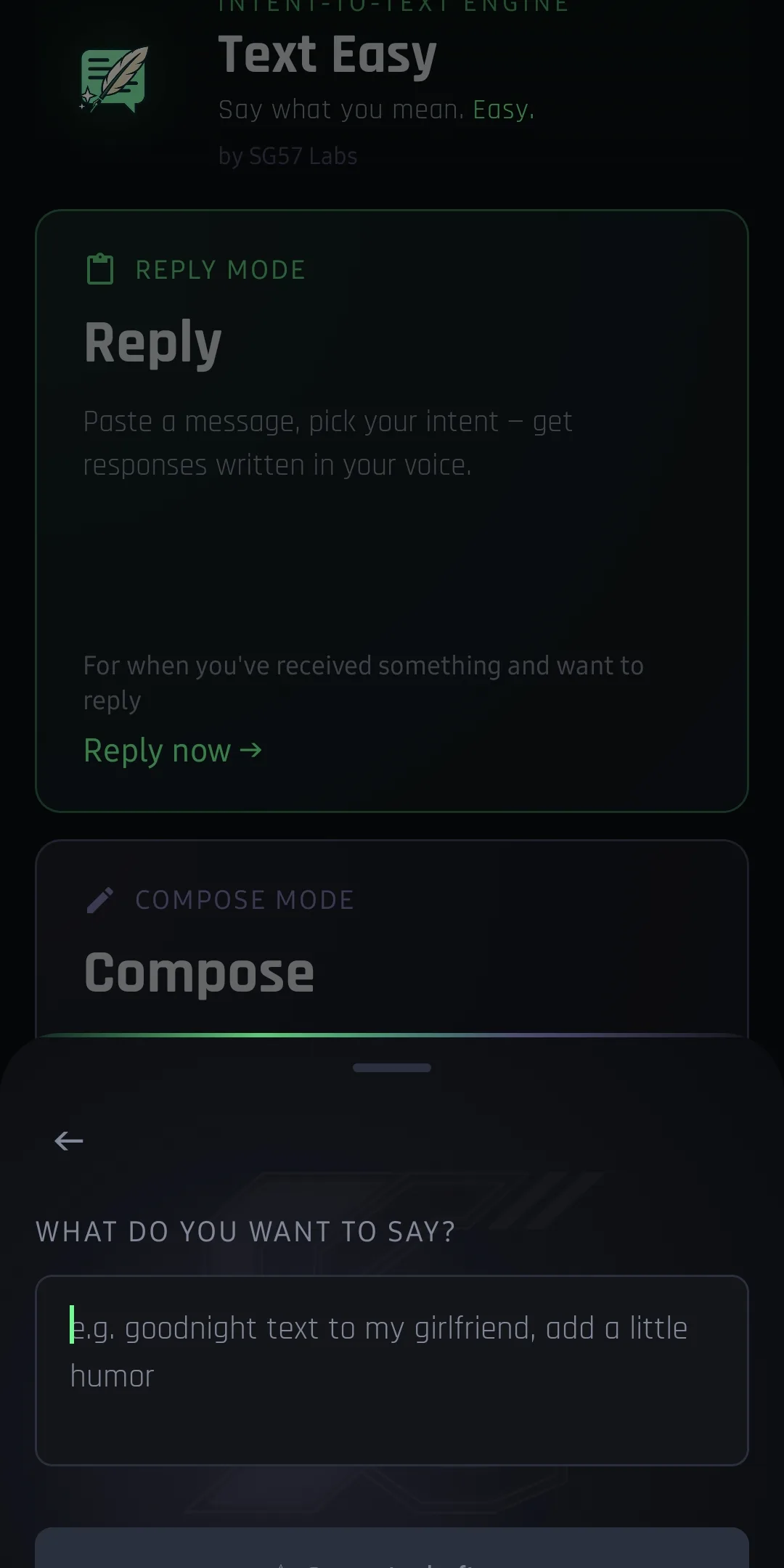
The Problem With Typing on Mobile
You’re in the middle of something. Your phone buzzes. It’s a long message from a client, a friend coordinating plans, your mom asking about the holidays. You know exactly what you want to say — the tone, the substance, the nuance — but your thumbs are already revolting.
So you dash off a three-word reply that sounds nothing like you, or you shelve it for later and forget entirely. Neither is great. The first damages relationships. The second creates a backlog of guilt that sits in your brain rent-free.
This isn’t a willpower problem. Typing on mobile is genuinely terrible, and the cognitive overhead of drafting a thoughtful reply — especially when you’re mid-focus on something else — is real. The friction is real.
Text Easy is the fix.
What Text Easy Does
Text Easy is a mobile app that takes an incoming message, detects what kind of reply you want to send, and generates reply options that sound like you — not a generic AI assistant.
The key word is your voice. This isn’t “ask ChatGPT to write a reply.” Text Easy learns your communication style — how casual you are, how thorough, how warm or direct — and generates replies that fit who you are and the context of the conversation.
The Core Features
- Intent Detection — you select what you’re trying to communicate (agree, decline, clarify, reschedule, ask a question) and Text Easy generates accordingly
- Voice Modes — formal, casual, brief, warm, and blended combinations to match the register of any conversation
- Refinement Loops — if the first generated reply isn’t quite right, refine it inline: “make it shorter,” “warmer tone,” “add a follow-up question”
- Quick-Select Panel — a swipeable panel of pre-generated replies for your most common message types, ready before you even ask
- BYOK Mode — Bring Your Own Key; your conversation data goes from your device directly to your AI provider, never through SG57
- Cloud Mode — no API key setup required; just open the app and go
BYOK vs Cloud Mode
This is the most important choice when setting up Text Easy. Here’s the breakdown:
| Feature | BYOK Mode | Cloud Mode |
|---|---|---|
| API key required | Yes (OpenAI or Anthropic) | No |
| Data privacy | Messages never leave your device to SG57 | Routed through SG57 infrastructure |
| Setup time | ~2 minutes | None |
| Cost | Pay your AI provider directly (~$2–15/mo typical) | Included with Text Easy |
| Offline use | No (requires API call) | No |
| Best for | Developers, privacy-conscious users, sensitive business convos | Casual use, quick setup |
Both modes use the same underlying AI models. The difference is who’s holding the keys and whose servers your data touches.
The Privacy Story
Text Easy was designed from the ground up with privacy as a hard constraint, not a footnote. In BYOK mode:
- Your messages go directly from your device to your chosen AI provider — OpenAI or Anthropic
- SG57’s servers are never in the data path
- Your API key is stored encrypted in local device storage only
- No conversation history is logged anywhere outside your device
For developers, consultants, and anyone who handles sensitive conversations on their phone, this matters. You wouldn’t paste a client message into ChatGPT’s web interface. BYOK mode gives you the same AI capability without that exposure.
How the Reply Flow Works
Here’s what a typical Text Easy interaction looks like:
- A message comes in
- Open Text Easy, paste or import the message
- Select your intent — what are you trying to say?
- Text Easy generates 3 reply options in your voice
- Pick one, or tap Refine to steer the tone
- Copy and send
The whole flow takes under 30 seconds once you’re used to it. For high-volume reply situations, the Quick-Select panel pre-loads common responses so you’re tapping, not reading options.
Real-World Intent Examples
Here’s how intent selection changes the output for the same incoming message:
“Hey, can we move our 3pm to 4pm tomorrow?”
| Intent Selected | Generated Reply |
|---|---|
| Agree / Confirm | ”Works for me — see you at 4!” |
| Agree (formal) | “That works on my end. I’ll update my calendar accordingly.” |
| Decline | ”Tomorrow at 4 doesn’t work for me — could we try Thursday instead?” |
| Ask for more info | ”4pm works — same location as last time?” |
| Brief | ”Sure, 4pm works.” |
That’s five distinct replies, all accurate, none robotic, none requiring you to think hard about wording while you’re context-switching mid-workday.
Supported AI Models
Text Easy works with:
- GPT-4o and GPT-4o mini (OpenAI) — in BYOK mode with an OpenAI key
- Claude 3.5 Sonnet and Claude 3 Haiku (Anthropic) — in BYOK mode with an Anthropic key
- Auto-selected model — in Cloud Mode, Text Easy routes to the best available option
For most people, GPT-4o mini or Claude Haiku gives excellent results at very low API cost. The flagship models (GPT-4o, Claude 3.5 Sonnet) are noticeably better at handling complex or nuanced messages — worth the marginal extra cost if you deal with complicated conversations.
Who This Is For
Text Easy is for anyone who:
- Dreads typing long replies on mobile
- Defaults to one-word responses because they don’t have time for more
- Gets messages in a different register than they usually write (e.g., formal business messages when you’re naturally casual)
- Handles sensitive conversations where tone and precision matter
- Wants AI assistance without surrendering conversation data
It’s especially powerful for:
- Founders and executives managing high-volume inboxes from their phones
- Freelancers juggling multiple client relationships
- Anyone with a heavy volume of personal and social messages
- People who know what they want to say but hate the friction of saying it on a small screen
Why This Beats Copy-Pasting From ChatGPT
The standard workaround people use is: copy the message, open ChatGPT, paste it, type “write a reply that sounds casual and agrees to reschedule,” copy the result, go back to messages, paste it. That’s six context switches for one reply.
Text Easy collapses that to a single intent tap. It has the style context already. It knows you. The friction is gone.
Text Easy is free to download. BYOK mode requires your own API key — getting one takes two minutes and even heavy use stays well under $15/month. Cloud Mode is included with no setup required.
Download Text Easy at sg57.dev/text-easy — and start replying in your voice, not your phone’s.